Chatterbox Narration
Four Chatterbox choices: Nano, Turbo, Original English and Multilingual V3. Write or import scripts, use model-appropriate controls, queue narration jobs and export WAV or MP3.
Local AI voice production for narrators, modders, radio creators and anyone building a cast of digital voices. Generate spoken performances, manage references and prepare recordings without relying on a hosted voice-generation service.
Current development version: v0.3.0-alpha4. Windows build downloads are provided through GitHub Actions and may require signing in to GitHub.
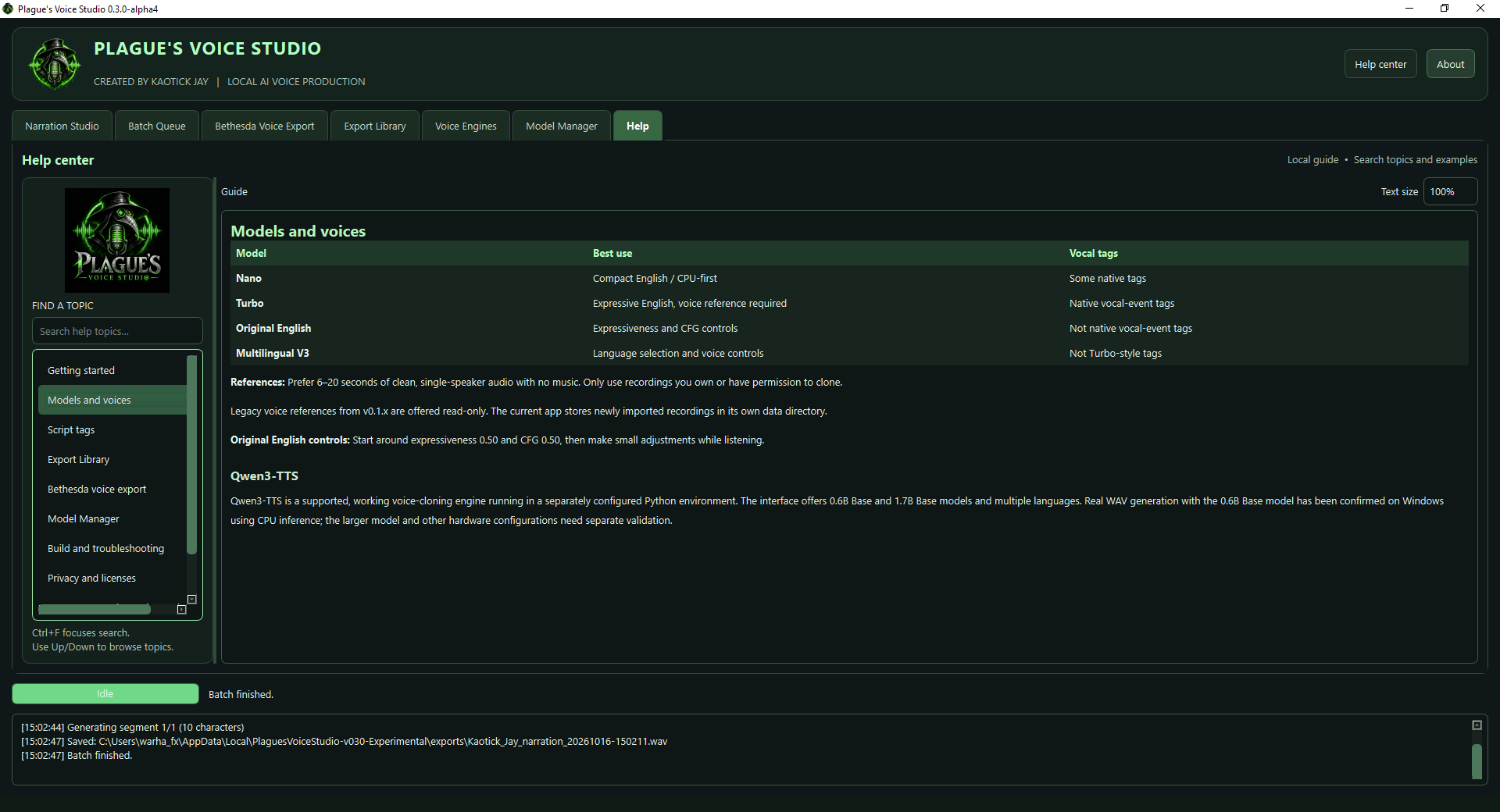
A practical, dark-themed PyQt6 workstation with dedicated tools for narration, voice engines, model management, recording libraries and Bethesda voice exports.
Three original demonstration passages are planned for our supported speech engines. Players will be available once genuine, permission-cleared recordings from Plague's Voice Studio have been published.
Loading sample details…
These are sample scripts, not a live voice-generation service. A browser-based demonstration is planned for a future release.
Produce voices, compare performances and send completed recordings where they need to go.
Four Chatterbox choices: Nano, Turbo, Original English and Multilingual V3. Write or import scripts, use model-appropriate controls, queue narration jobs and export WAV or MP3.
Clone permitted reference voices with Qwen3-TTS Base models, language selection and reusable character profiles. The 0.6B Base model has been confirmed producing WAV on Windows CPU.
Check supported models, download model weights and inspect progress without running command-line download scripts. Qwen still needs a separately configured Python runtime.
Keep track of completed recordings, preview earlier audio and send selected WAV files into the Bethesda conversion workflow. Named character profiles simplify repeated sessions.
Prepare voice assets for game mods with WAV, LIP, XWM and FUZ workflows. Compatible external conversion tools are required, and game plugins are not modified.
Watch engine progress, inspect logs, cancel long-running renders and troubleshoot separate runtimes. IndexTTS 2.5 remains an experimental integration, not a verified supported setup.
The current developer build packages the desktop application with Python and PyQt6 dependencies, plus Chatterbox Nano. Other Chatterbox weights can be acquired through Model Manager.
Qwen3-TTS is a supported engine, but its independent Python runtime and model weights are not bundled in the installer. Configure its interpreter in Voice Engines before using the Model Manager to obtain weights. Windows AMD GPU acceleration has not been established; CPU rendering works with the confirmed Qwen3 Base 0.6B configuration.
Installer builds use Inno Setup disk-spanning archives: extract the entire GitHub artifact and keep the Setup EXE alongside every included BIN file. Development builds are not final release certifications.
Plague's Voice Studio is an independently developed project. If it helps your creative work, optional contributions support ongoing fixes, documentation and future releases. No sponsorship is required to use the app.
Voice cloning should be performed only with authorization from the speaker. Chatterbox is developed by Resemble AI; Qwen3-TTS and experimental IndexTTS are separate upstream technologies with their own licensing terms. Bethesda conversion utilities are provided by the user. Plague's Voice Studio is independent software, not affiliated with or endorsed by those companies or Bethesda Game Studios.